How to Accept Online Payments in Pakistan: JazzCash vs Easypaisa
A step-by-step guide to accepting online payments in Pakistan with JazzCash, Easypaisa, Safepay or PayFast: documents, fees and which option suits you.
Key points
- JazzCash's payment gateway lets online stores accept mobile wallet, Visa/Mastercard card and over-the-counter voucher payments, according to its developer documentation.
- Registered businesses onboarding with JazzCash Business must upload documents such as CNICs, an NTN and a letter from their settlement bank, while sole proprietors and partnerships have their own forms.
- Easypaisa says individuals and sole proprietors can become merchants and accept payments through QR codes and payment links, with a Rs 500,000 monthly limit shown on its merchant page.
- As of 7 November 2026, Safepay publishes card fees of 2.9% + Rs 30 per domestic transaction and 3.2% + Rs 30 per international transaction, excluding tax.
- Neither JazzCash nor Easypaisa publishes its online payment gateway merchant fees on its website; merchants are given pricing during onboarding.
If you sell online in Pakistan, you have four main ways to get paid digitally: JazzCash, Easypaisa, payment gateways such as Safepay and PayFast, and Raast QR payments through your bank. This guide compares them as of 7 November 2026, using each provider’s own website, so you can pick the right one for a small Instagram shop or a registered company. Where a provider does not publish a figure, we say so instead of guessing.
Which payment options can Pakistani online stores use?
Your customers may want to pay with a mobile wallet, a debit or credit card, a bank account or cash at a shop, so it helps to know which provider covers which method. These are the main options:
- JazzCash payment gateway: accepts JazzCash mobile account payments, Visa and Mastercard cards, and over-the-counter voucher payments, where a customer pays cash at a retailer using a reference number. All three are listed in JazzCash’s developer documentation.
- Easypaisa online payment gateway: Easypaisa says it connects your business to the “largest online payment gateway” in Pakistan, with payments through the Easypaisa app or its over-the-counter network.
- Easypaisa merchant (QR and payment links): a lighter option for individuals and small sellers, who can take payments by QR code or by sending a payment link.
- Aggregator gateways (Safepay, PayFast): one checkout that can take cards, bank accounts and wallets, with plugins for popular store platforms.
- Raast QR through your bank: Raast is the State Bank of Pakistan’s instant payment system. Banks, microfinance banks and regulated fintechs take part in it.
JazzCash vs Easypaisa vs Safepay vs PayFast: comparison table
| JazzCash gateway | Easypaisa gateway / merchant | Safepay | PayFast | |
|---|---|---|---|---|
| Payment methods (as published) | Mobile account, Visa/Mastercard cards, OTC voucher | Easypaisa app, OTC; QR and payment links for merchants | Cards; bank accounts via NIFT and PayFast; Easypaisa and Abhi wallets | Cards, accounts and wallets (merchant chooses) |
| Who can sign up | Sole proprietors, partnerships, private and public limited companies | Individuals and sole proprietors (merchant); businesses via the corporate portal | Businesses (see Safepay onboarding) | Businesses |
| Published transaction fee | Not published | Not published | 2.9% + Rs 30 domestic cards, 3.2% + Rs 30 international cards, excluding tax | Not published; varies by volume |
| Shopify app | Plugins mentioned; platforms not named | Not listed | Yes (Safepay Checkout) | Yes (PayFast Gateway App, built by Devsinc) |
| Regulation | Branchless banking (Level 2 account required) | Branchless banking | Not stated on fee page | Licensed and regulated by the SBP, according to PayFast |
How do you set up JazzCash for your online store?
- Test first in the sandbox. JazzCash lets developers sign up for a free sandbox account and test card, mobile account and voucher transactions before going live.
- Register as a merchant. On the JazzCash Business portal, choose your business type and fill in the registration form. A Level 2 branchless banking account form is required for every type of business.
- Upload your documents. JazzCash’s list includes CNICs of owners or directors and signatories, a company NTN, and an account maintenance letter from the bank where you will receive your money. Partnerships also need a notarised partnership deed. Companies also need a board resolution, their incorporation certificate and their memorandum and articles of association.
- Wait for verification. Bank teams check the documents, and you get the result by email.
- Integrate and go live. Use JazzCash’s integration guide or one of its plugins to connect your website.
JazzCash calls sign-up “fast and free”, but it does not publish its ongoing per-transaction rates. Ask for them in writing before you go live.
How do you set up Easypaisa as a merchant?
Easypaisa offers two routes. For small sellers, the Easypaisa merchant account lets individuals or sole proprietors complete a KYC form and start taking payments through a QR code and payment links. They also get a dashboard and a way to reverse payments. The merchant page shows a Rs 500,000 monthly limit for receiving and sending. It also mentions a Rs 50,000 figure under “Minimum KYC” but does not explain how the two limits apply, so confirm which one applies to your account.
For a proper website checkout, Easypaisa’s online payment gateway has its own step-by-step process:
- Apply on the Easypaisa merchant portal.
- Respond to the team’s comments and fix any problems until your application is approved.
- Receive sandbox and live credentials by email.
- Test every payment method on a staging site, then switch to live credentials.
- Complete biometric verification (BVS) against your seller code at the nearest Easypaisa franchise.
Easypaisa does not list its gateway fees or required documents on these pages. You get them during onboarding.
Are Safepay or PayFast better for a Shopify or WooCommerce store?
Aggregators can be easier if you want one checkout for several payment methods. Safepay, based in Karachi, has a free Shopify app. Its help centre lists domestic card fees of 2.9% plus Rs 30 per transaction and international card fees of 3.2% plus Rs 30, with tax on top. Safepay says it charges no yearly fee and needs no minimum balance. Customers can also pay from bank accounts through NIFT and PayFast, or with Easypaisa and Abhi wallets.
PayFast describes itself as a State Bank-licensed fintech. Its Shopify app, built by Devsinc, lets merchants accept cards, accounts and wallets, but its transaction fees depend on volume and are not published.
If you run a Shopify store, both apps are free to install, but the listings say extra charges may apply, so read the terms before you connect one. For background on the platform itself, see our coverage of Shopify’s latest quarterly results.
What about Raast QR payments?
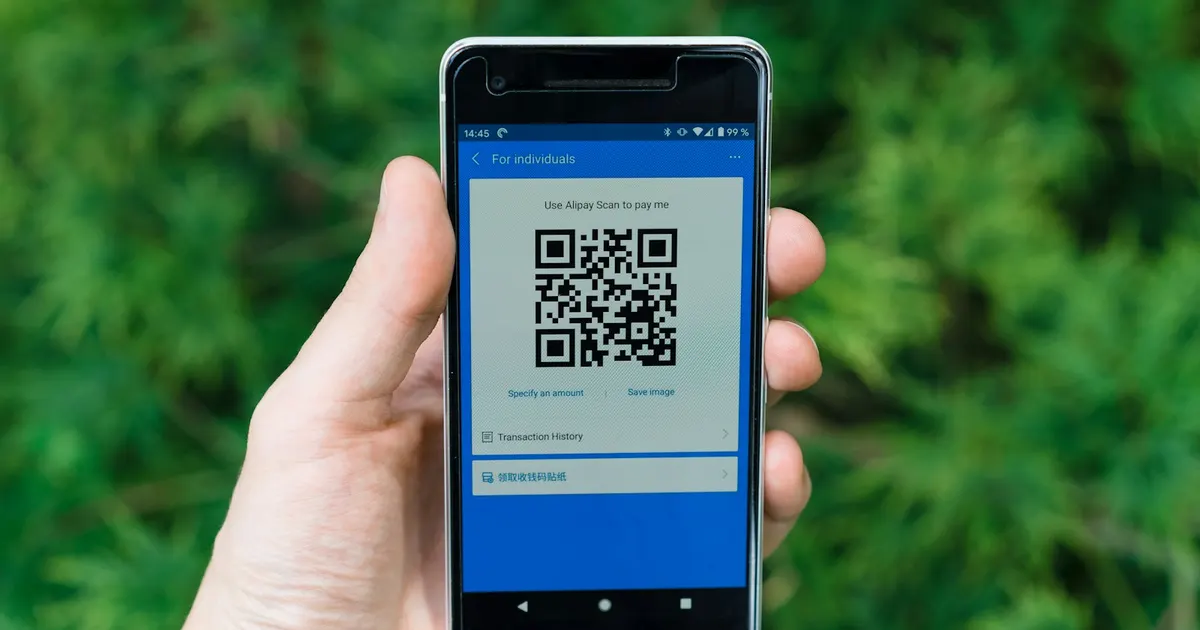
Raast lets customers pay a merchant instantly from a bank or wallet app by scanning a QR code. In September 2025 the SBP set up a PKR 3.5 billion subsidy for Raast person-to-merchant QR payments. While it ran, banks could charge merchants up to 0.25% of the transaction value for onboarding and servicing. That subsidy covered transactions from 1 September 2025 to 30 June 2026, so ask your bank what it charges now.
Pros and cons at a glance
- JazzCash – Pros: wallet, card and cash voucher payments in one gateway; free sandbox. Cons: needs a lot of paperwork for registered businesses; fees are not published.
- Easypaisa – Pros: an easy QR and payment-link route for individuals; a large over-the-counter network. Cons: monthly limits on merchant accounts; gateway fees are not published; you have to visit a franchise for BVS.
- Safepay – Pros: card fees are published; a Shopify app; several banks and wallets. Cons: the percentage fee plus Rs 30 adds up on small orders.
- PayFast – Pros: SBP-regulated; one checkout for cards, accounts and wallets. Cons: pricing only on request.
Which should you choose?
If you sell through Instagram or WhatsApp, an Easypaisa merchant account with QR codes and payment links is the quickest way to start. If you run a website with steady orders, get quotes from JazzCash, Easypaisa and at least one aggregator, and compare the total cost per order, including tax and settlement time. Offering more than one method, for example a wallet and cards, means a customer is less likely to abandon checkout because their preferred option is missing.
Frequently asked questions
How can I accept online payments in Pakistan without a company?+
Sole proprietors can register with JazzCash Business and Easypaisa, which both list sole proprietorship as an accepted business type. Easypaisa also lets individuals running small businesses sign up as merchants and take payments by QR code or payment link.
How much does JazzCash or Easypaisa charge merchants for online payments?+
As of 7 November 2026, neither JazzCash nor Easypaisa lists its payment gateway merchant fees on its public website. You get pricing during onboarding, so ask for the per-transaction rate for wallet, card and voucher payments before you sign.
Can I use JazzCash or Easypaisa with Shopify or WooCommerce?+
JazzCash says it offers downloadable plugins for integration, and gateways such as Safepay and PayFast have apps in the Shopify App Store. Check that a plugin is published by the payment company or its named partner before you install it.
Sources
- JazzCash – Payment Gateway Sandbox Documentation v4.2
- JazzCash Business – Corporate onboarding and registration
- Easypaisa – Become an Easypaisa merchant
- Easypaisa – Business solutions: online payment gateway
- Easypaisa – FAQs
- Safepay Help Centre – Safepay fee breakdown
- Safepay Help Centre – Supported banks and wallets
- Shopify App Store – Safepay Checkout
- PayFast – Online payment gateway in Pakistan
- Shopify App Store – PayFast Gateway App
- State Bank of Pakistan – Raast
- State Bank of Pakistan – Allocation of subsidy for Raast P2M QR payments (PSPOD Circular 3 of 2025)
- JazzCash
- Easypaisa
- Payment gateway
- Pakistan ecommerce
- Raast

PFM Today Newsroom · News Desk
The PFM Today Newsroom tracks developments across startups, AI, design, business and more. Stories are researched from primary sources and reputable outlets, written with AI assistance, and reviewed against our editorial policy before publishing. Read our editorial policy.